I developed this app from personal necessity, as a companion app for the Linkding bookmarking service. It lets you quickly save and manage webpages in your self-hosted instance directly from the iOS/iPadOS Share Sheet and from any browser, without relying on a bookmarklet.
Intro
Save to Linkding is an iOS and iPadOS app designed to quickly save webpages from any browser to your Linkding instance.
It also lets you browse and manage your Linkding instance directly from the main app
Workflow
The app is built around a simple flow:
Open the app and enter the URL of your Linkding instance. Then, from any webpage in any browser: Share → Linkding → Save.
Key Features
- Save webpages to Linkding directly from the iOS Share Sheet
- Manage your Linkding instance from the main app
- Browse saved pages in Linkding in three ways: in a web view, externally in the browser, or inline
- Set font size separately for the main app and the extension
- The extension uses simplified CSS to avoid loading unnecessary elements
Why Save to Linkding
Because there was no system extension that could quickly save pages to your Linkding instance, and using a bookmarklet is slower and adds more friction: tap bookmarks, open a new tab, etc…
Screenshots
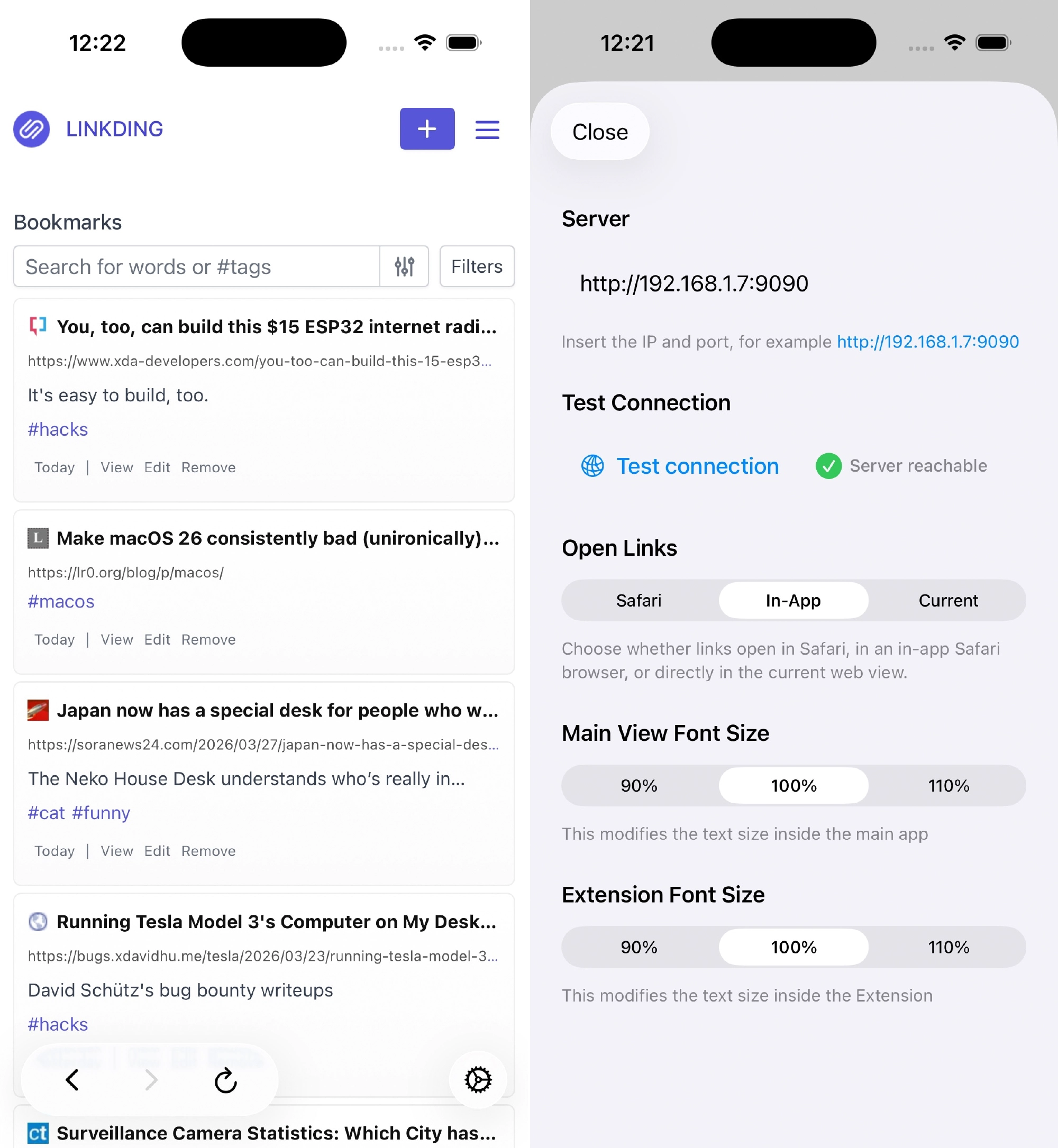
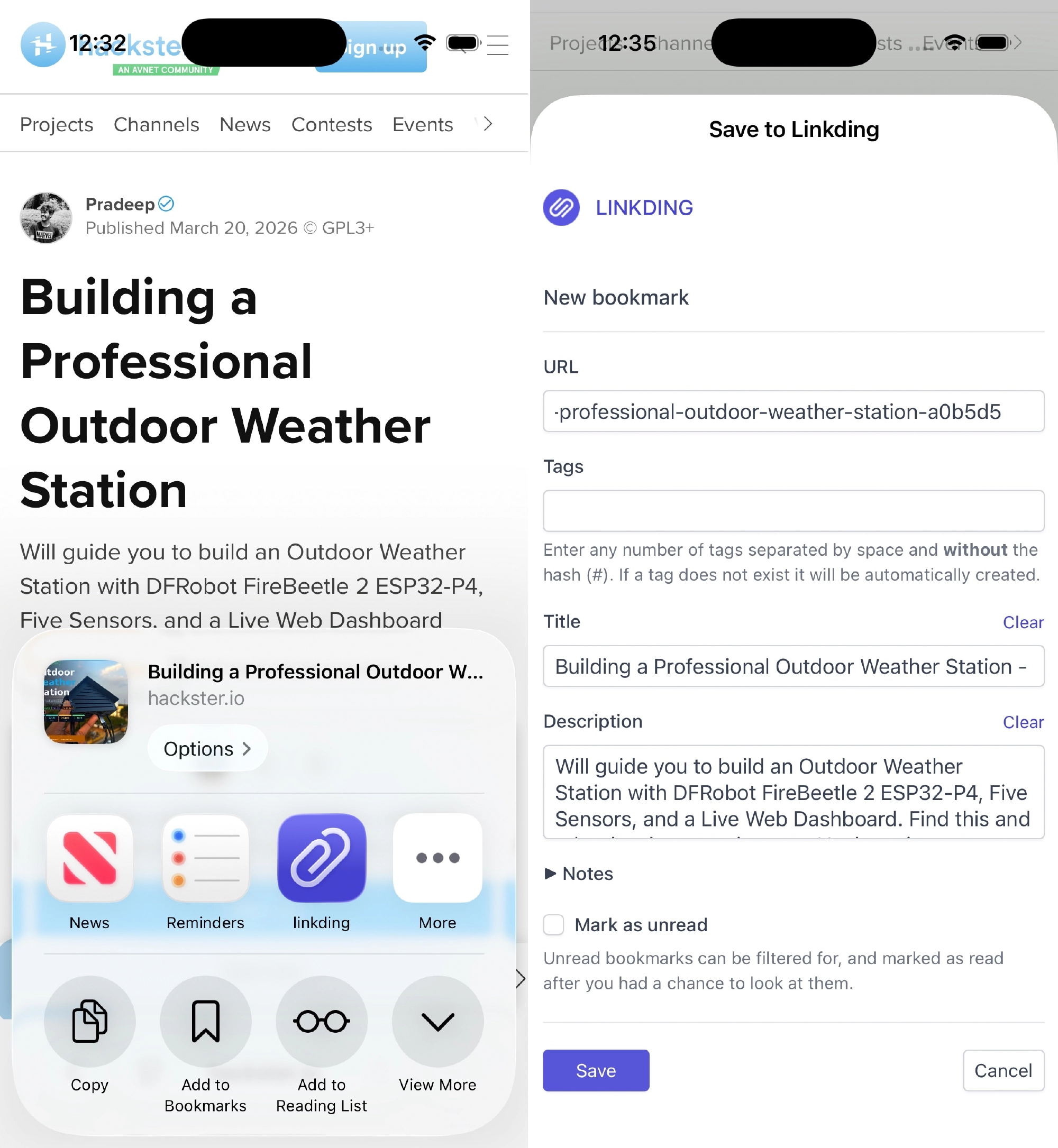
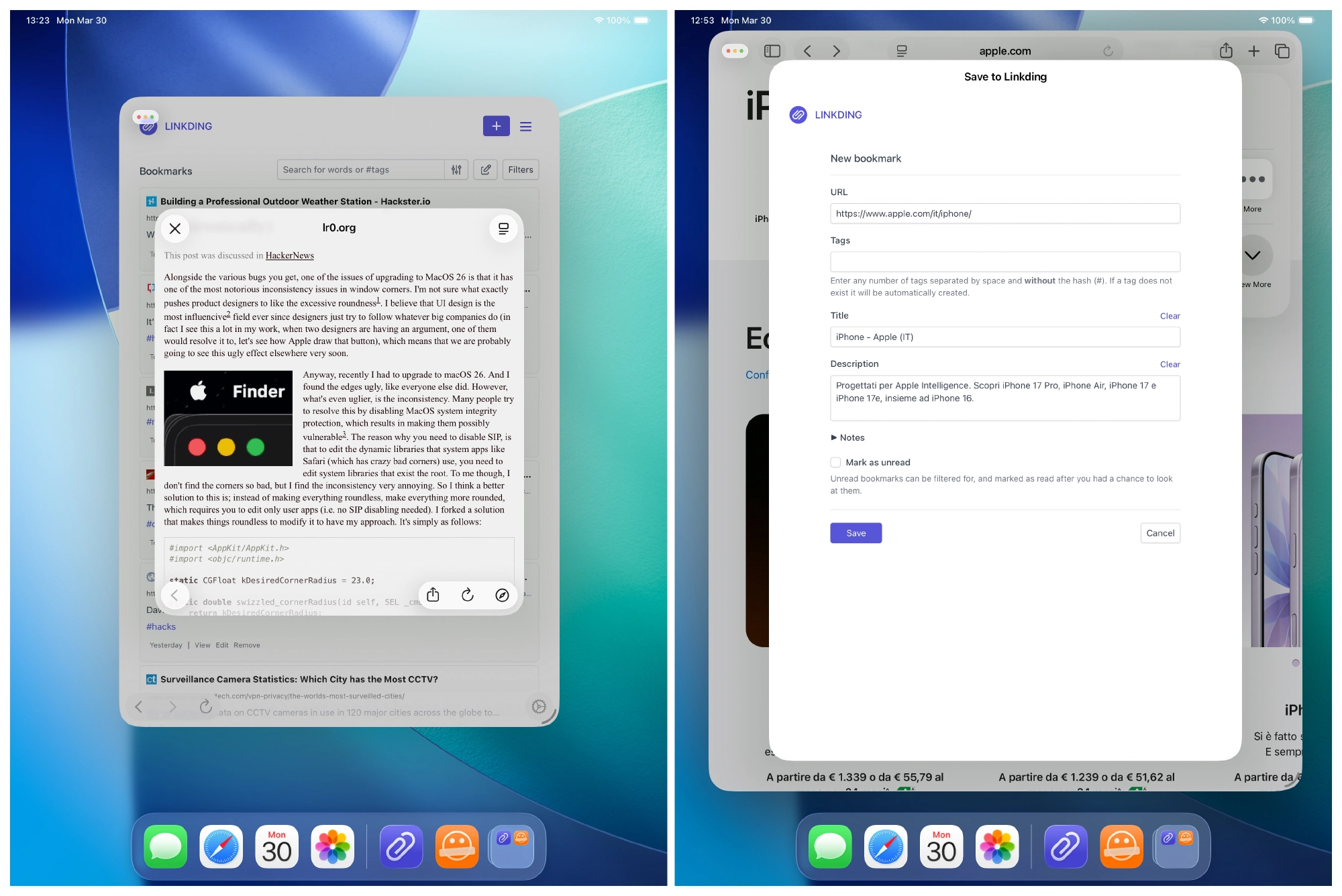
The CSS for Linkding shown in these screenshots is my custom implementation, available here: giuliomagnifico/linkding-css: Custom CSS for Linkding bookmarks manager
Video
Download
Privacy Policy
Save to Linkding does not collect, store, or share any personal data. All processing is performed locally on the device.
The app does not use:
- analytics
- tracking
- third-party SDKs
- external APIs
Linkding is an independent open-source project. Save to Linkding is not affiliated with, endorsed by, or sponsored by the Linkding project or its authors.
All product names, logos, brands, and trademarks are the property of their respective owners. Any use of the name “Linkding” is for descriptive and compatibility purposes only.
Contact: [email protected]