I developed this app from personal necessity, and seeing its potential for others, I chose to launch it on the App Store (and TestFlight for beta testing).
Intro
RedactThat is a lightweight iOS and iPadOS app designed to quickly hide sensitive information in images and screenshots, using blur or pixelation, directly from the iOS Share Sheet (or in app).
Workflow
The app is built around a simple flow:
Open image → Share → RedactThat → Edit → Save it as a copy
Features
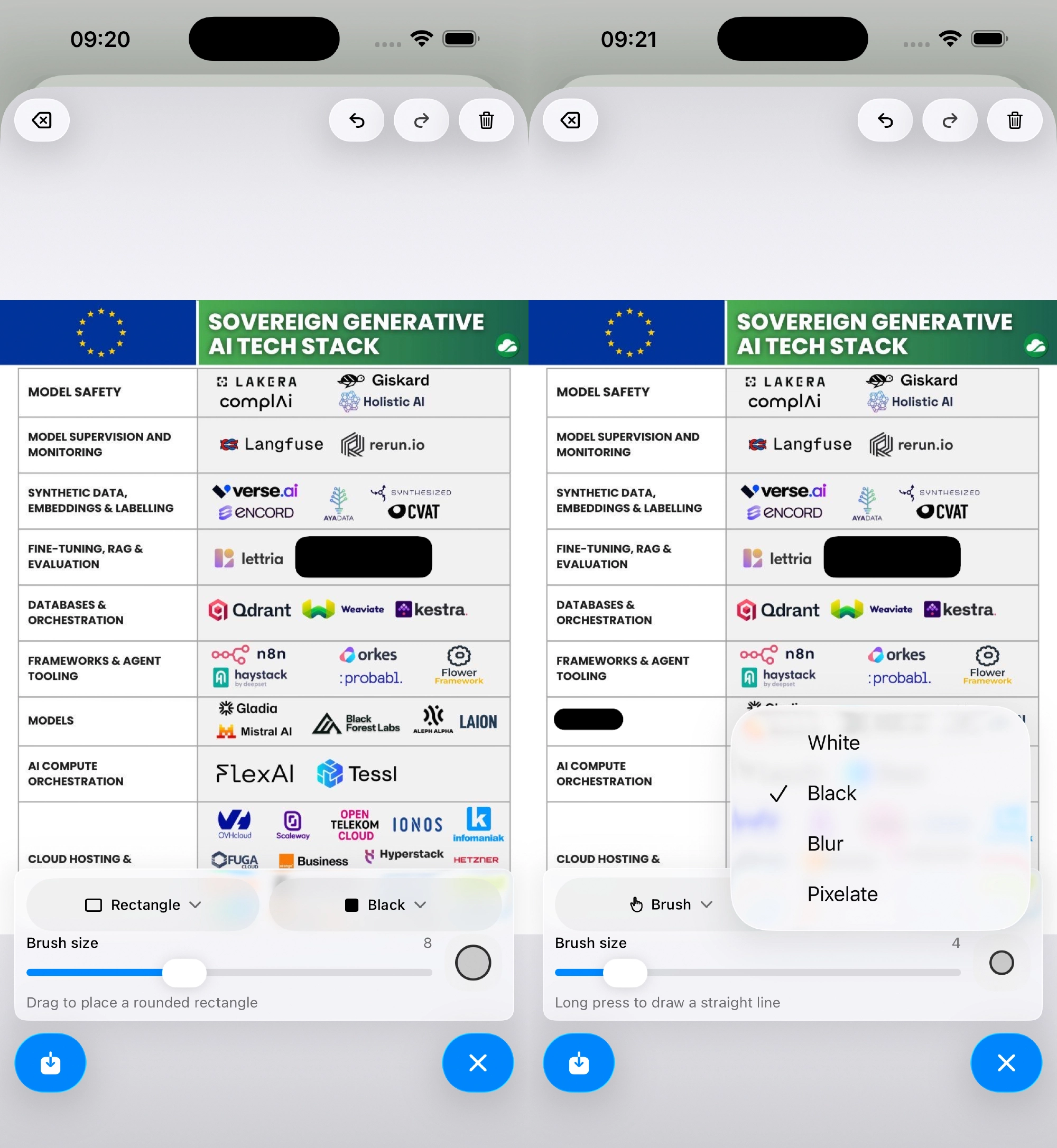
- Edit images directly from the iOS Share Sheet
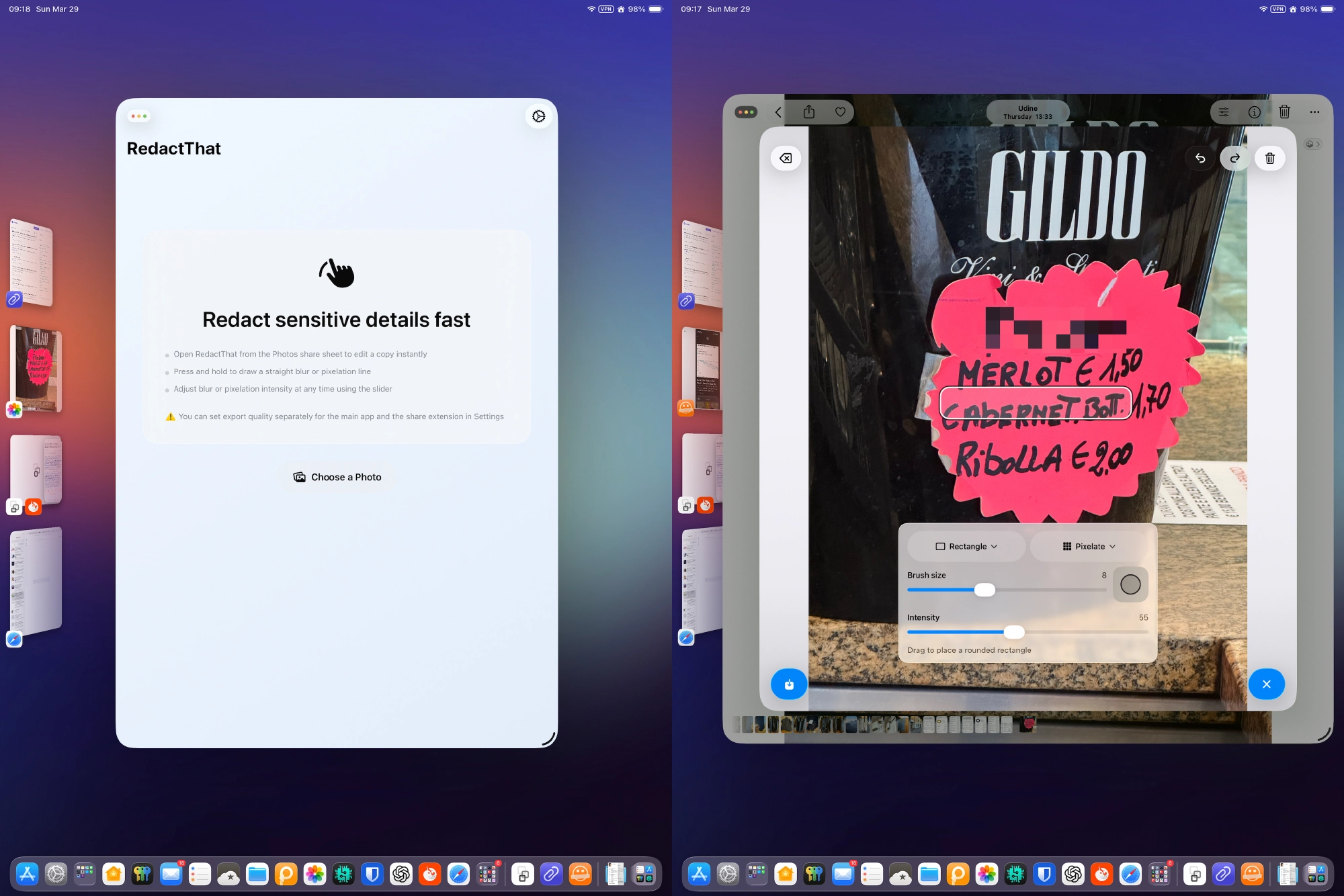
- Pixelate or blur sensitive areas using:
- Brush/finger tool (draw a straight-line with long press)
- Rectangle tool
- Tool preview adapts to light/dark background
- Adjust blur/pixelation intensity even after drawing
Why
Because iOS’s built-in editing tools are unnecessarily complex for a simple task like drawing a rectangle and saving a copy. Compared to the native iOS editor, RedactThat offers:
- Fewer taps
- Non-destructive workflow (always creates a copy)
Image Resolution
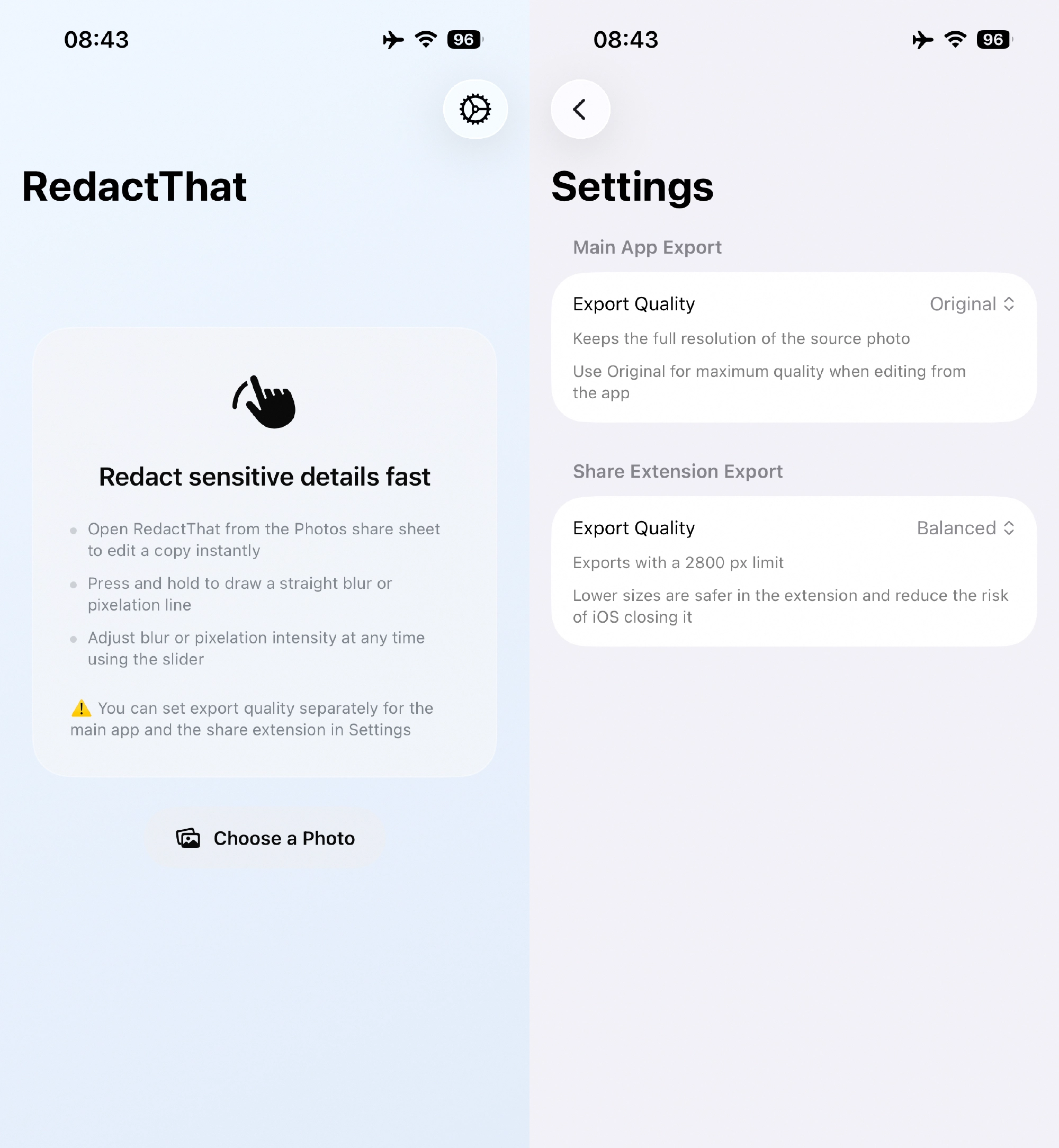
Due to iOS memory limits for Share Extensions, exported images are resized to prevent crashes. In setting you can choose between: 2880px and 2048px (long edge) for the Extension. While full-resolution export is available when using the main app.
Screenshots
Video
Download
Privacy Policy
RedactThat does not collect, store, or share any personal data. All processing is performed locally on the device.
The app does not use:
- analytics
- tracking
- third-party SDKs
- external APIs
Contact: [email protected]