Just a quick tip.
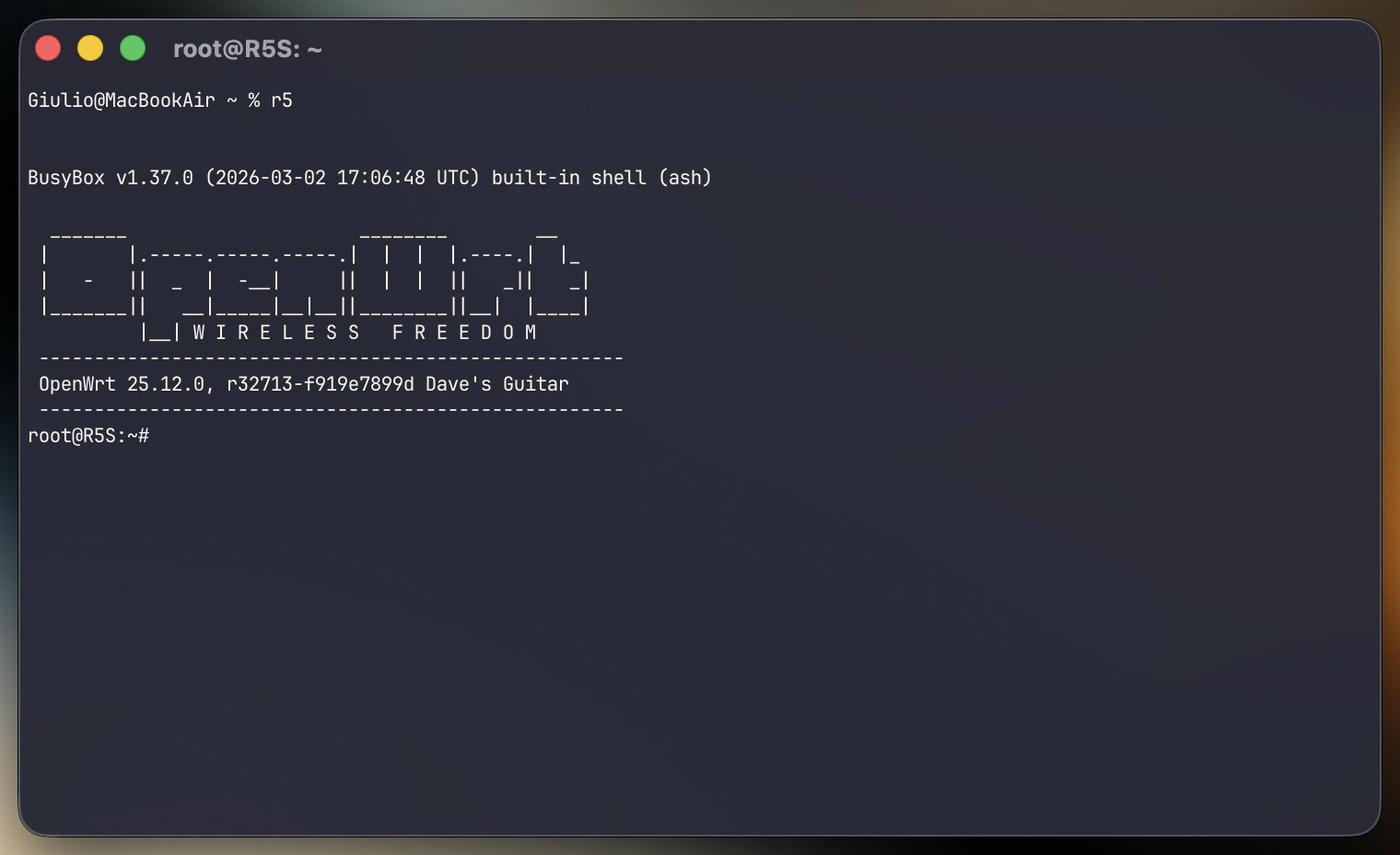
In OpenWrt 25.12, the package manager switched from opkg to apk (Alpine Package Manager), that I love as it’s present on all my servers with Alpine Linux. However it introduced an unpleasant “banner” upon device login.
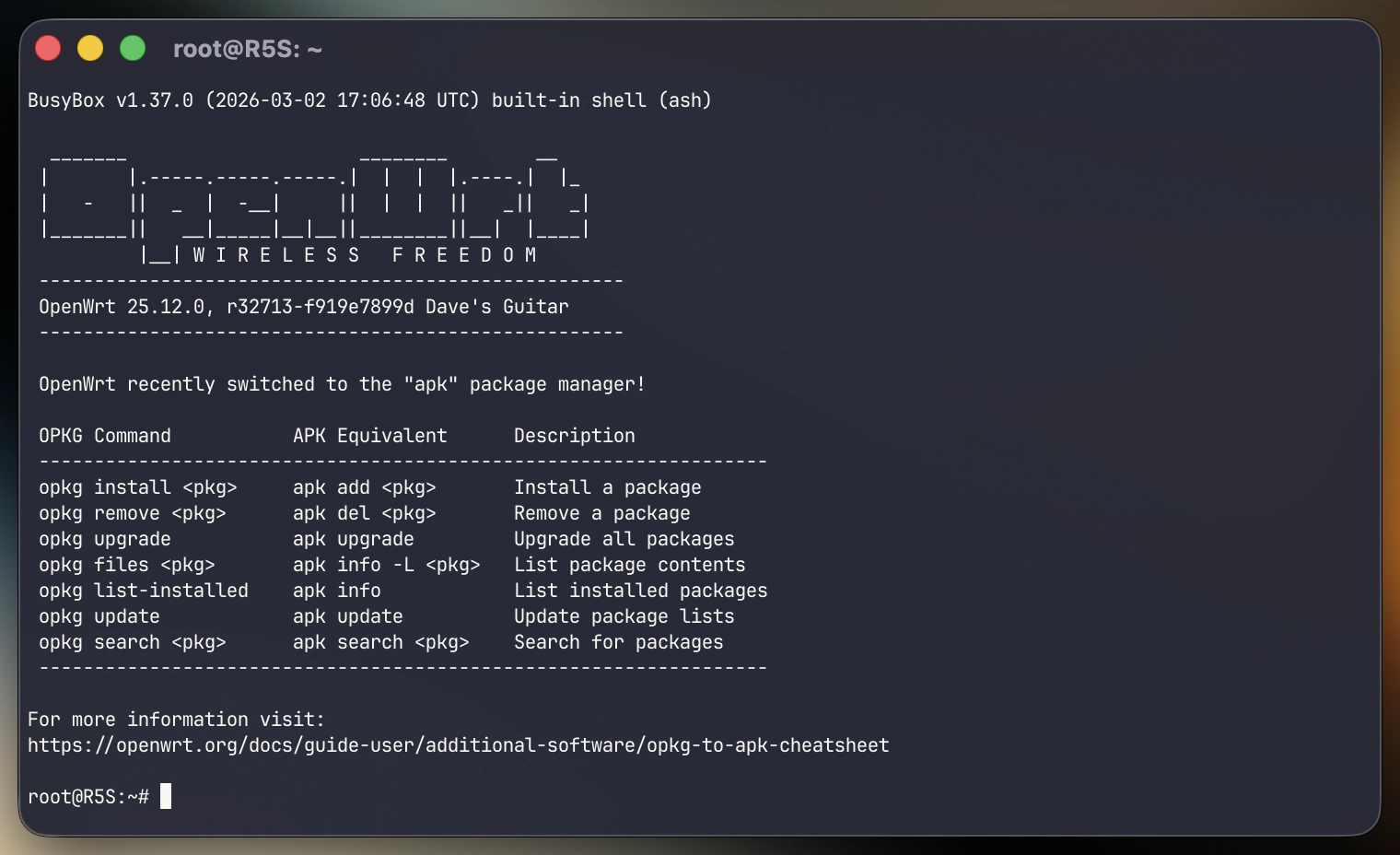
To restore the old clean banner, modify these files. First, disable the loaded “apk-cheatsheet.sh” file:
mv /etc/profile.d/apk-cheatsheet.sh /etc/profile.d/apk-cheatsheet.sh.disabled
then comment the fourth line of /etc/profile:
#[ -n "$FAILSAFE" ] && cat /etc/banner.failsafe
Log out, log in, and voilà: